Payment Configuration
- /
- /
- /
Payment Configuration
STSBuilder using Paypal to handle the User Subscriptions, so it require you to register a bussiness Paypal account then request a API Credentials and set them in Config system.
Creating Paypal Account
- Open this url https://paypal.com and click on Sign up button.
- At the PayPal Account Sign Up page, make sure the Personal Account option is selected.
- Fill all require field in the Sign Up form then click on Agree button.
Obtaining API Credentials
- Login to https://paypal.com.
- Click the profile (person) icon in the top right and select Profile and Settings from the drop-down menu. Then navigate to My Selling Tools > API Access and click Update.
- Click Request API Credentials on the API Access page.
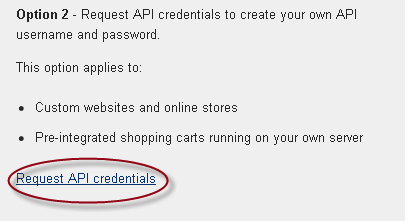
- Select Request API signature and click Agree and Submit to generate a set of Signature credentials.
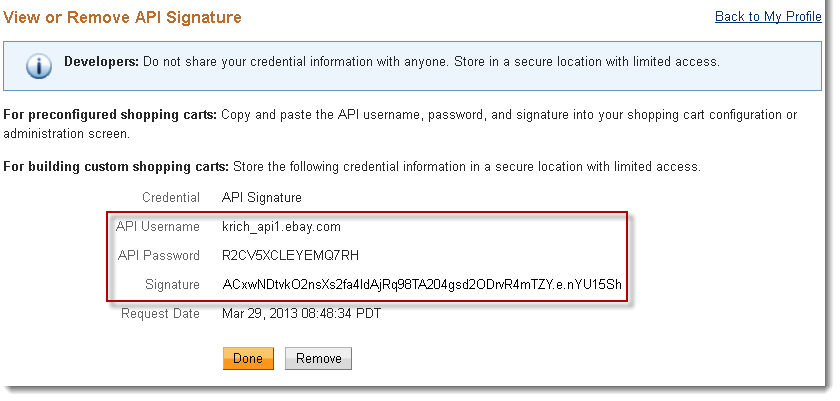
Importing API Credentials into Payment System
- Login to http(s)://{site_builder_url}/index.php/admin
- Click the Configuration icon in the left and select Payment .
- Enter the API Username, Password and Signature into relevant field. Under the Transaction Mode dropdown, select Sandbox if the API Credentials you got is using for test scenario, select Live if you want to bring the Payment System into realtime. Click Save.
IPN Listener Configuration
- Click Profile on the My Account tab.
- Click Instant Payment Notification Preferences in the Selling Preferences column.
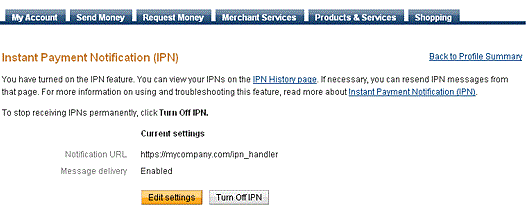
- Click Choose IPN Settings to specify your listener’s URL and activate the listener
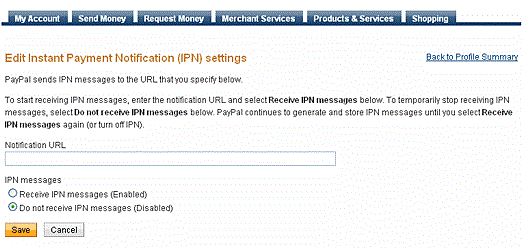
- Specify the URL for your listener in the Notification URL field. The URL must be specified in this form: http(s)://{site_builder_url}/ipn.php.